Check the fit before you buy
Shopping for clothes online? Compare your body details with the actual item. Explore this guide without an account or uploading photos.
One report per verified member · No card required · Fit estimates, not a guaranteeTwo photos in everyday clothes
Take front and side full-body photos in the same place. Keep the camera level, include your head and feet, and stand naturally. You do not need to undress or wear only underwear.
Add your height and weight. Extra measurements, such as shoulder width and chest, are optional. Use the units menu to choose cm/kg or ft/in/lb.
Add the item and the size
Analyze one product at a time. Add its photo, category and the size you are considering. If you have not decided, choose Size undecided.
Where do I find the right size chart?
- Open the exact product page and look for Size guide, Measurements or Product details.
- Choose finished garment measurements when available. A body-size chart describes the wearer, not the clothing.
- Crop the chart with the size labels, measurement names and cm/in units visible. Review the extracted values before analysis.
No chart? Continue without one. The report will explain which size conclusions need more evidence. A product link alone may not be readable.
How to measure clothing →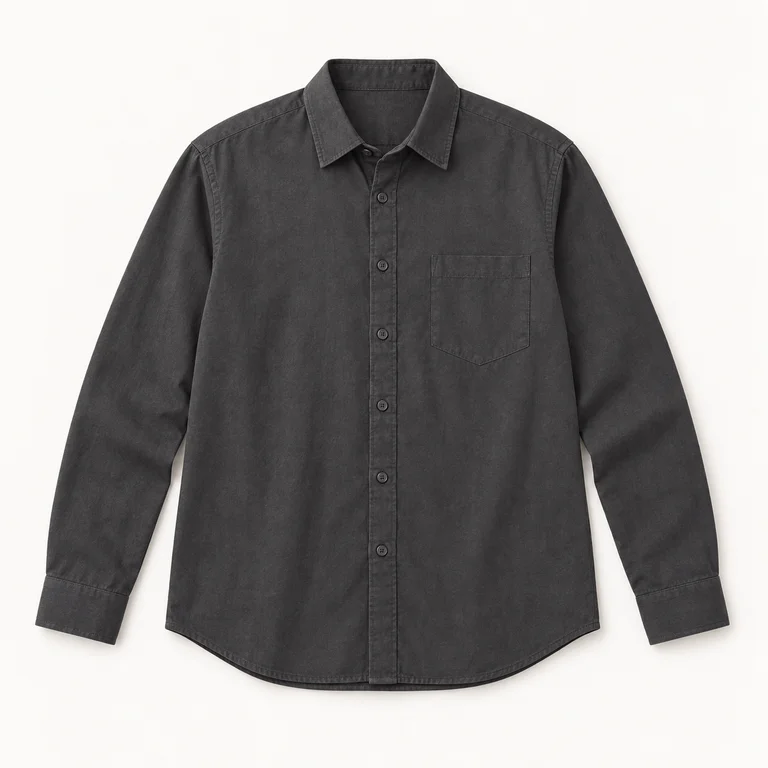
See the guidance and its limits
Choose your styling preferences, review your inputs and consent, then start analysis. Your report covers fit, sizing evidence, outfit ideas and a wearing preview.
Photos do not automatically provide exact body measurements. Generated previews are estimates; fabric, stretch and real fit may differ. Check the seller’s measurements and return terms before buying.
Open the complete sample report →Something unclear on your first visit?
Tell us which step was difficult and which device and browser you used. Do not email passwords, card details or body photos.
[email protected]Analysis screens and reports are available in English and Korean. Other language choices translate selected site content.